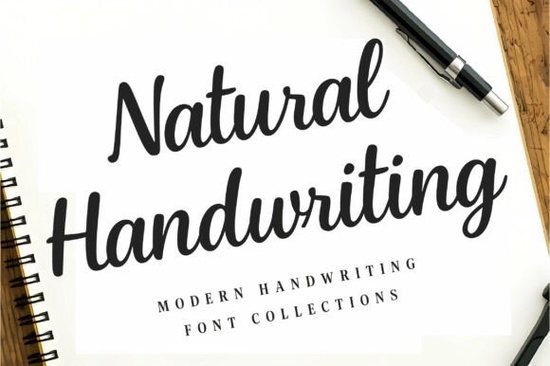
If you are looking for a typeface that reads like a real pen on paper, the Natural Handwriting Font delivers exactly that. It skips the overly polished curves and stiff spacing that make many digital scripts look artificial. Instead, you get a moderate weight, smooth connections, and the slight irregularities that mimic everyday penmanship. Designers, small business owners, and crafters often choose this style when they want their audience to feel like they are reading a personal note rather than a corporate announcement.
What makes this script typeface feel so authentic?
Most handwriting fonts fail because they repeat the exact same letterforms, making double letters look mechanical. This collection avoids that trap by using carefully drawn alternates and natural spacing. The strokes maintain a consistent thickness that stays readable at small sizes, while the flowing connections keep the rhythm of actual writing. You will notice that the lowercase letters sit comfortably on the baseline, and the uppercase characters add just enough height to start a sentence without overpowering the text. If you want to browse similar handwriting styles for comparison, you will quickly see how the moderate weight here prevents thin lines from disappearing on textured paper or low-resolution screens.
Where does a handwritten style work best?
Not every project needs a formal serif or a geometric sans. Sometimes you just need a typeface that feels approachable. This font fits naturally into layouts that rely on a personal connection. Here are a few places where it consistently performs well:
- Brand signatures and watermarks that need to look hand-signed without scanning actual ink
- Quote graphics and blog headers where readability matters more than decorative flourishes
- Stationery and journal covers that benefit from a warm, unpolished aesthetic
- Product packaging and labels for handmade goods or small-batch items
When you are building a visual identity, mixing a realistic script with a clean sans serif usually creates the right contrast. If your layout feels too light, you might look into heavier brush options for your main headlines while keeping this font for subheads.
How do you keep the text readable across different media?
Handwritten typefaces can become difficult to read when they are stretched or placed over busy backgrounds. To get the best results, stick to the intended weight and avoid manual distortion. Increase the line height slightly when working with multiple lines of text. This gives the ascenders and descenders room to breathe and prevents the letters from tangling together. Dark charcoal or deep navy usually reads better on screen than pure black. If you are printing on kraft paper, test a small sample first. The texture will soak up some ink, and the moderate stroke width here handles that absorption much better than ultra-thin calligraphy fonts. For projects that need a softer feel, you can always explore more flowing scripts to use as an accent alongside your main copy.
What should you check before adding it to your workflow?
Before you commit to any typeface for a client project or a print-on-demand listing, run through a quick compatibility check. Make sure the file format works with your design software. Most modern font files install smoothly on Windows and Mac, and they load directly into Cricut Design Space, Silhouette Studio, Canva, and Adobe Creative Cloud. Verify the licensing terms for your specific use case, especially if you plan to sell digital templates or physical products. If you are designing for a younger audience, you might want to try something with a playful bounce for your accent text. For family-friendly products, you could find a cheerful alternative for kids projects that pairs nicely with a grounded style like this one.
Quick setup checklist for your next design
- Install the font files and restart your design software to ensure they appear in the menu
- Type out a full paragraph to check how the letters connect and where the spacing needs minor adjustments
- Test the typeface at the actual print size or screen resolution you plan to use
- Pair it with a simple sans serif for body text to keep the layout balanced
- Save a style preset so you can reuse the exact size and line height across future projects
Start with a single layout, adjust the spacing until the words flow naturally, and save your settings as a template. Once you have a reliable baseline, you can roll out consistent branding across cards, social posts, and product labels without guessing the proportions every time.
Get Started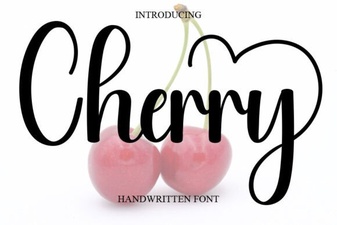 Cherry Font: Free Handwritten Script for Creative Projects
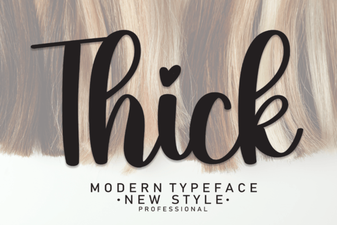 Thick Fonts for Bold, Impactful Designs
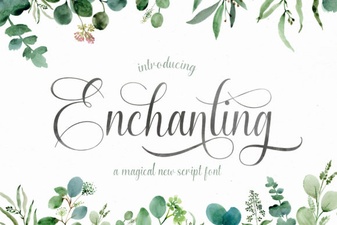 Enchanting Script Fonts for Creative Designs
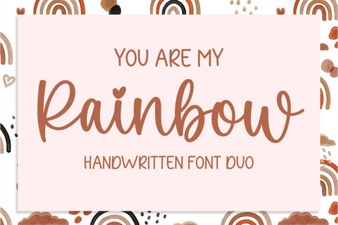 You Are My Rainbow: Typography & Design Inspiration
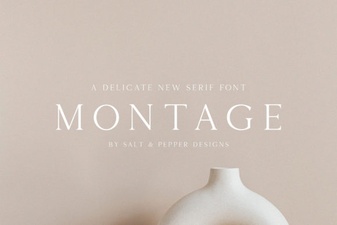 The Montage Font: Design Ideas & Free Downloads
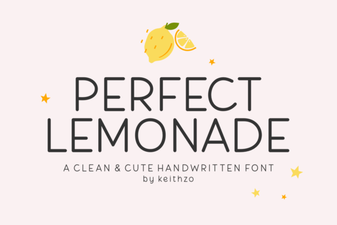 Perfect Lemonade Font Design Ideas & Free Download